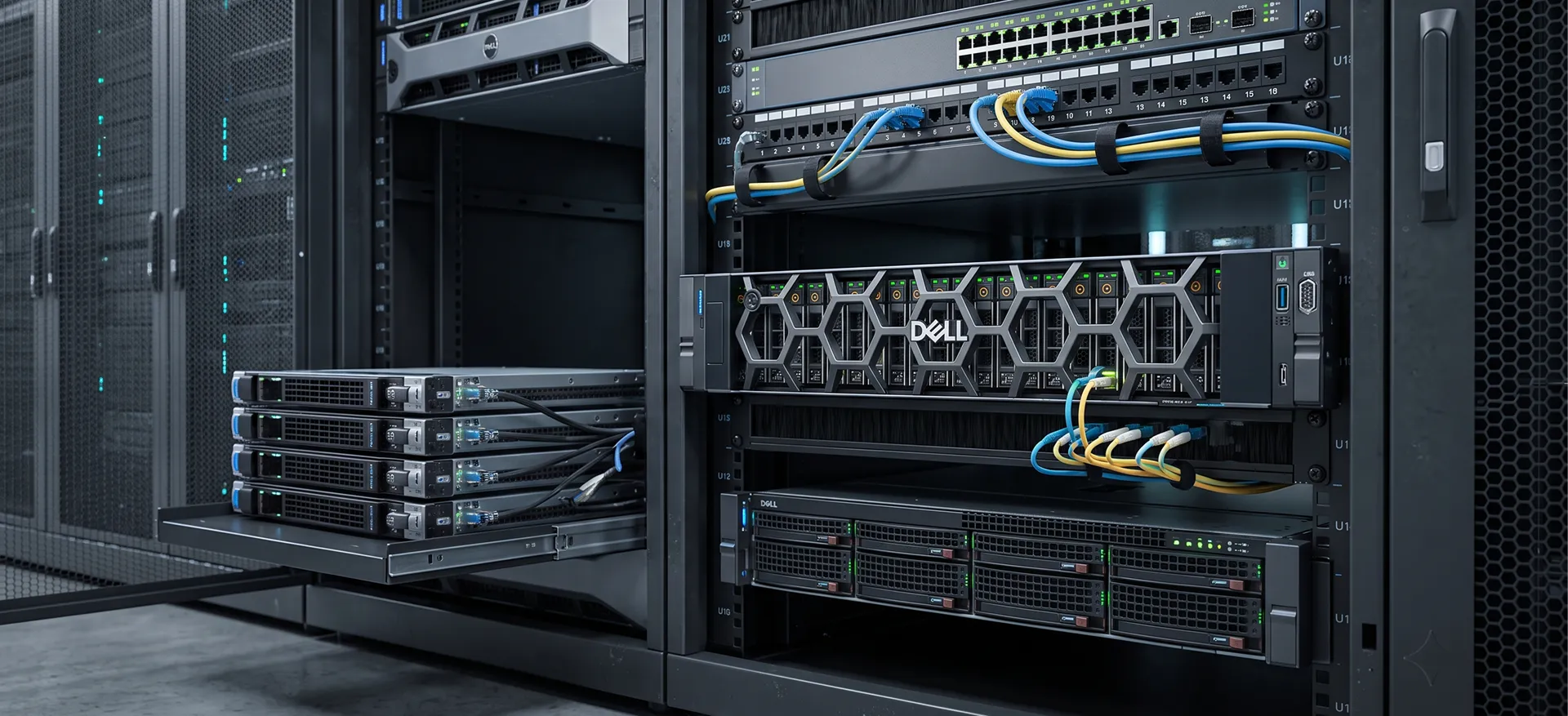
Server Setup & Installation

Professional Server Setup & Installation Services in India

Setting up a new server is more than installing hardware and connecting a few cables. A properly configured server needs the right hardware, storage configuration, operating system, network settings, security controls and performance checks.

Server Parts India provides professional server setup and installation services in India for businesses, IT teams, system administrators and organisations deploying new or upgraded server infrastructure.

We can assist with first-time server setup, server hardware installation, server configuration, RAID configuration, server OS installation, storage setup, network configuration and post-installation testing.

Our team works with enterprise server platforms from leading manufacturers including HPE, Dell, Lenovo, IBM and Cisco, subject to the server model and project requirements.

Whether you are installing your first business server or adding another server to an existing IT environment, we help you plan and configure the hardware according to your requirements.

Server Setup & Installation Overview

A new server should be configured according to its intended workload. A file server, application server, database server, virtualization host and backup server can have very different hardware and storage requirements.

Our server installation approach begins with understanding your business application, user requirements, storage needs, network environment and expected workload.

Depending on your requirement, server setup may include:

  • New server hardware installation
  • First-time server setup
  • Rack or tower server installation
  • Server hardware configuration
  • BIOS and firmware configuration
  • RAID configuration
  • HDD and SSD installation
  • Storage configuration
  • Server OS installation
  • Windows Server installation
  • Linux server installation
  • Network configuration
  • IP and hostname configuration
  • Driver and firmware installation
  • Server security configuration
  • Virtualization setup
  • Server performance checks
  • Post-installation testing
  • Basic documentation and configuration records

Our Server Setup & Installation Services

New Server Setup for the First Time

Installing your first business server can be challenging if the hardware, storage and operating system are not planned correctly.
We help configure the new server according to its intended purpose. This includes reviewing the server hardware, storage drives, memory, RAID requirements, operating system and network environment.
A proper first-time server setup can provide a more organised foundation for future expansion and maintenance.

Server Hardware Installation

Before installing the operating system, the physical server hardware needs to be checked and configured correctly.

Our support can include:

  • Rack server installation
  • Tower server installation
  • HDD and SSD installation
  • RAM installation
  • RAID controller installation
  • HBA and storage controller installation
  • Network adapter configuration
  • Power supply and redundant PSU checks
  • Server component compatibility checks
  • Cable and port identification

The exact installation scope depends on the server model and project requirements.

Server Configuration

Server configuration prepares the hardware for the operating system and intended workload.

We can assist with important configuration areas such as:

  • BIOS configuration
  • UEFI configuration
  • Boot device selection
  • Hardware detection
  • Firmware configuration
  • Storage controller settings
  • RAID configuration
  • Network interface configuration
  • System time and basic hardware settings

Where applicable, firmware and drivers are checked for compatibility with the selected operating system.

Server RAID Configuration

RAID configuration is an important part of server storage planning. The appropriate RAID level depends on the required balance between capacity, performance and fault tolerance.

We can assist with configuring supported RAID controllers and storage arrays for common business requirements.

Depending on the available hardware, RAID configuration may involve:

  • RAID 0
  • RAID 1
  • RAID 5
  • RAID 6
  • RAID 10
  • Hot-spare configuration
  • Logical drive creation
  • Storage controller configuration
  • Drive health verification

The recommended RAID configuration depends on the server workload, number of drives, drive type and required storage capacity.
Important: RAID provides hardware-level redundancy in supported configurations. It should not be treated as a replacement for a proper backup strategy.

Server Operating System Installation

Once the hardware and storage configuration are ready, the server operating system can be installed.

We can assist with the installation and initial configuration of supported operating systems such as:

  • Microsoft Windows Server
  • Linux server operating systems
  • Other supported server operating systems based on project requirements

The installation process can include OS deployment, storage selection, basic system configuration, drivers and network setup.

Licensing and application-specific configuration should be confirmed according to the customer's requirements.

Windows Server Installation & Configuration

Windows Server is commonly used for file sharing, Active Directory, application hosting, database workloads and other business services.

We can assist with the initial Windows Server setup, including:

  • Operating system installation
  • Server naming
  • Static IP configuration
  • Storage configuration
  • Driver installation
  • Windows updates
  • Basic server roles and features
  • Initial system checks

Additional services such as Active Directory, DNS, DHCP, Hyper-V or application-specific configuration can be planned separately based on the project scope.

Linux Server Installation & Configuration

Linux is widely used for web applications, databases, development environments, virtualisation and specialised workloads.

We can assist with the initial Linux server deployment, including:

  • OS installation
  • Disk and storage configuration
  • Network configuration
  • Hostname configuration
  • Driver installation
  • System updates
  • Basic user and access configuration
  • Initial server health checks

The exact configuration depends on the Linux distribution and intended application.

Server Storage Configuration

Storage configuration should match the purpose of the server. Business applications, databases, virtual machines and file storage can require different storage designs.

We can assist with:

  • HDD configuration
  • SSD configuration
  • SAS storage configuration
  • SATA storage configuration
  • RAID-based storage
  • Logical drive configuration
  • Storage controller setup
  • Boot drive configuration
  • Additional data volume configuration

We also help identify compatible storage components based on the server model and controller.

Server Virtualization Setup

Virtualization allows multiple virtual machines to run on a physical server. It can help organisations consolidate workloads and make better use of server resources.

We can assist with the initial setup of supported virtualization platforms, depending on the project requirements.

This may include:

  • Virtualization-ready hardware checks
  • BIOS virtualization settings
  • Hypervisor installation
  • Storage configuration
  • Network configuration
  • Virtual switch configuration
  • Basic virtual machine environment setup

Virtual machine migration, clustering and advanced virtualization architecture can be handled as separate project requirements.

Server Security & Initial Hardening

A newly installed server should not be considered production-ready immediately after OS installation.

Initial security configuration may include:

  • Administrator account configuration
  • Password policy review
  • Unnecessary service review
  • Operating system updates
  • Basic firewall configuration
  • Remote access configuration
  • User access review
  • Network access checks
  • Basic security settings

Additional cybersecurity controls should be designed according to the organisation's security policies and compliance requirements.

Server Firmware, Drivers & Updates

Server stability depends on compatibility between hardware, firmware, drivers and the operating system.

During installation, we can review relevant:

  • BIOS or UEFI firmware
  • RAID controller firmware
  • HDD and SSD compatibility
  • Network adapter drivers
  • Storage controller drivers
  • Operating system drivers
  • Server management firmware

Updates are applied based on compatibility, requirements and the available manufacturer-supported versions.

Server Backup Configuration

A new server should also be considered as part of the organisation's backup strategy.

Depending on the project, we can help identify the hardware requirements for:

  • Server backup
  • NAS-based backup
  • Backup storage
  • Backup software
  • Additional storage capacity
  • Local and network backup infrastructure

Backup configuration and software deployment can be planned according to the organisation's recovery requirements.

Common Server Setup Requirements

A typical business server installation may require several services beyond basic OS installation.

Depending on the environment, the setup may include:

1. Hardware Installation

Server mounting, component installation and hardware verification.

2. RAID Configuration

Storage controller setup, RAID level selection and logical drive creation.

3. Operating System Installation

Windows Server, Linux or another supported operating system.

4. Network Configuration

IP address, DNS, gateway, hostname and connectivity configuration.

5. Driver & Firmware Setup

Installation or verification of required drivers and compatible firmware.

6. Server Security

Basic firewall, account, access and security configuration.

7. Virtualization

Hypervisor installation and basic virtual infrastructure configuration where required.

8. Backup Planning

Backup storage and software requirements based on business needs.

9. Testing

Hardware, storage, network and operating system checks before production use.

10. Documentation

Recording important server configuration details for future maintenance and troubleshooting.

Server Setup for Different Business Requirements

Every server deployment has a different purpose. We can help configure server hardware based on the intended workload.

File & Print Server

Suitable for organisations requiring centralised file storage, shared folders and printing services.

Application Server

Configured according to the application software, operating system, memory and storage requirements.

Database Server

Storage performance, memory capacity and reliability become important considerations for database workloads.

Virtualization Server

Designed to provide sufficient CPU, RAM, storage and networking resources for multiple virtual machines.

Backup Server

Configured around backup capacity, storage performance, retention requirements and connectivity with the existing IT environment.

Storage Server

Designed for organisations requiring centralised storage using suitable HDD, SSD, RAID or network storage solutions.

Server Installation for HPE, Dell & Lenovo

Server Parts India works with enterprise hardware from major manufacturers, including:

  • HPE ProLiant
  • Dell PowerEdge
  • Lenovo ThinkSystem
  • IBM Servers
  • Cisco Servers

The exact installation and configuration process depends on the server generation, controller, storage configuration, operating system and intended workload.

Providing the server model and configuration details before installation helps us identify compatible components and plan the setup more accurately.

Why Choose
Server Parts India?

Common Server Problems We Handle

Our server hardware support can assist with issues such as:

  • Server not powering on
  • Server not booting
  • Server restarting unexpectedly
  • RAID failure or controller errors
  • HDD or SSD failure
  • RAM or memory errors
  • Server overheating
  • Failed cooling fans
  • Power supply failure
  • Hardware compatibility problems
  • Slow or unstable server performance
  • Motherboard-related hardware issues
  • Processor-related hardware issues
  • Storage connectivity problems
  • Hardware warning or diagnostic errors

Our Server Setup & Installation Process

01. Understand Your Requirement

We first understand how the server will be used, including applications, users, storage requirements, network environment and expected workload.

02. Review Server Hardware

We review the server model, processor, memory, storage drives, RAID controller, network interfaces and other relevant components.

03. Plan the Configuration

The storage, RAID, operating system, network and other configuration requirements are planned according to the intended workload.

04. Install & Configure

The server hardware, RAID, operating system, drivers and basic network settings are configured as required.

05. Test the Server

We check hardware detection, storage, RAID status, operating system operation and network connectivity.

06. Handover

Important configuration information can be documented for future maintenance, upgrades and troubleshooting.

Need Help Setting Up Your New Server?

A correctly configured server provides a stronger foundation for your business applications and IT infrastructure.

Whether you are setting up your first server, installing a new HPE or Dell PowerEdge server, configuring RAID, installing Windows Server or Linux, setting up virtualization or upgrading an existing server, Server Parts India can help with the required hardware and technical setup.

Share your server model, configuration and intended use with our team. We can help identify the required server setup, compatible components and installation requirements.

Frequently Asked Questions

How do I set up a server for the first time?

First, identify the server workload, hardware, storage and operating system requirements. The server can then be configured with RAID, OS, network settings, drivers, security and required services.

Do you provide new server installation services?

Yes. We can assist with new server hardware installation, configuration, RAID setup, OS installation, networking and post-installation checks based on the project scope.

Can you configure RAID on my server?

Yes. We can assist with supported RAID controllers, logical drive creation and RAID configurations such as RAID 1, RAID 5, RAID 6 and RAID 10, depending on the hardware.

Can you install Windows Server?

Yes. We can assist with Windows Server installation and initial configuration, including storage, drivers, networking, updates and basic server settings.

Can you install Linux on a server?

Yes. We can assist with supported Linux server installations and initial configuration based on the selected distribution and server requirements.

Do you configure server IP and network settings?

Yes. Initial network configuration can include hostname, static IP address, subnet, gateway, DNS and network connectivity testing.

Can you configure a server for virtualization?

Yes. We can assist with virtualization-ready hardware checks, BIOS settings, hypervisor installation, storage and basic virtual networking based on the selected platform.

Do you provide server setup for HPE, Dell and Lenovo?

Yes. We work with supported HPE ProLiant, Dell PowerEdge and Lenovo ThinkSystem servers, along with selected IBM and Cisco server hardware.